
BMD於今日發佈Fusion Studio 18.6版軟體更新,為擠出和倒角3D形狀提供了支援。新擠出工具可以將平面形狀拉伸成動態的三維物體。然後您可應用額外的倒角功能為新創建的3D物體打磨邊緣。
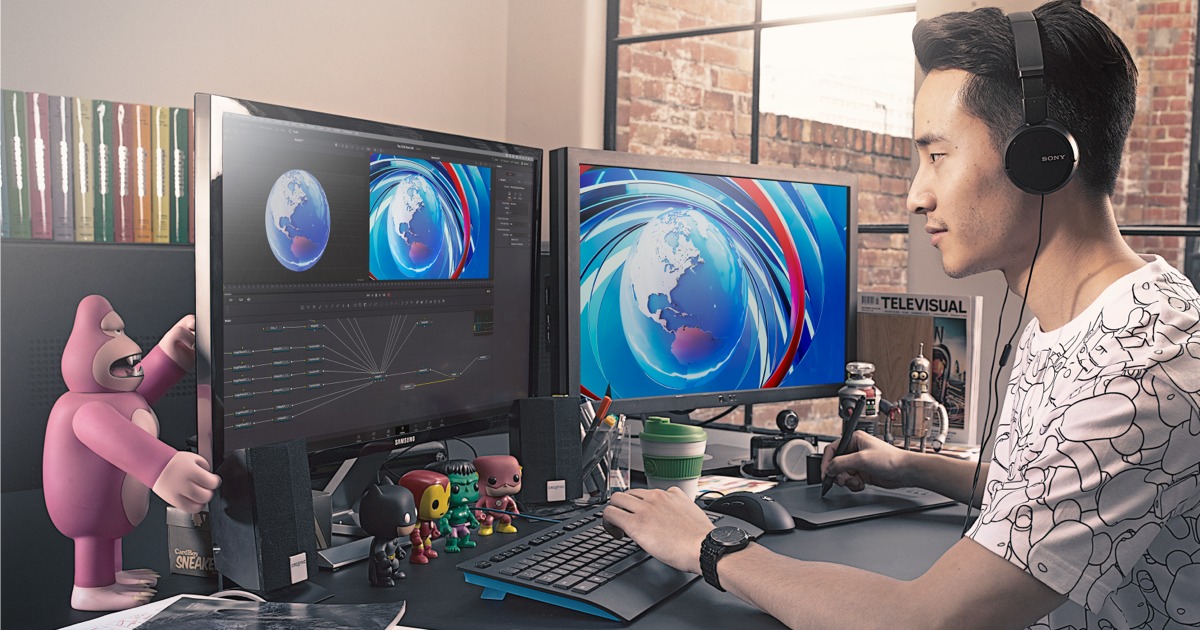
擠出工具支援: Fusion Studio 18.6引入了新的擠出工具,它可以將平面形狀轉變為動態的三維物體。這對於創建立體效果和3D物體非常有用。
倒角功能: 此更新還提供了倒角功能,您可以使用它來平滑新創建的3D物體的邊緣,以獲得更加精細的效果。
材質和體積渲染支援 USD 場景: Fusion Studio 18.6現在支援導入包含材質信息的USD場景,這意味著您可以更輕鬆地處理紋理、色彩和形狀,以改進3D形狀的外觀。
新的Resolve FX工具: 此次更新還帶來了7種新的Resolve
FX工具,這些工具可以幫助您進行燈光調整、色彩轉換、ACES轉換、色域映射、色度適應和色差校正等工作。這些工具是可腳本化的,並提供了更多的控制選項,有助於創建高質量的視覺特效和動態圖形。

What's new in Blackmagic Fusion Studio 18.6
Support for Resolve FX Color transform, ACES transform.
Support for Resolve FX gamut mapping and gamut limiter.
Support for Resolve FX Relight.
Support for Resolve FX Chromatic Aberration Removal.
Support for Resolve FX Chromatic Adaptation.
Support for extruding and beveling 3D shapes.
Support for polygon shape tool.
Support for rendering scenes with MaterialX materials and OpenVDB volumes.
New MaterialX tools to load .mtlx files and apply them to objects.
Support for selecting and adjusting imported cameras and lights.
Support for selectively transforming and hiding USD objects.
New tool to select between variants of an USD object.
Improved USD Loader with trim, loop and reverse support.
New scene tree dialog for object selection in USD.
Context menu option in the nodes and keyframes views to reset tool trims.
Support for DaVinci Intermediate conversion options in Fusion tools.
General performance and stability improvements.
Fusion Studio 18.6版軟體更新現已推出,免費下載鏈結: http://bmd.link/7g7UNu
這些新功能和工具將為視覺特效和動態圖形創建者提供更多的創作自由度和效率。感興趣的用戶可以通過提供的下載鏈結獲取最新的Fusion Studio 18.6版本,以開始使用這些新功能。
